

New ChampionsWay Management system release


Manage From Anywhere, Fast:

    • Online and offline access for the user that wishes to work from several work stations in different locations as well being able to work without the internet.
    • Easy to use global search allows you type in any name, phone number, task description, belt level and more to quickly retrieve the information you are looking for with one mouse click.
    • Tab-styled navigation allows you to open several tabs at a time and work on several things at once without having to save or cancel what you were doing. Sell equipment in the store, book an intro lesson for a lead, take a phone call from a student asking about class schedules and send out your email newsletter all at once with ease!
    • Download upgrades to apps you already use, or try out new apps from the app store such as integration with Quickbooks, Outlook, and Google.

Manage Your Students:

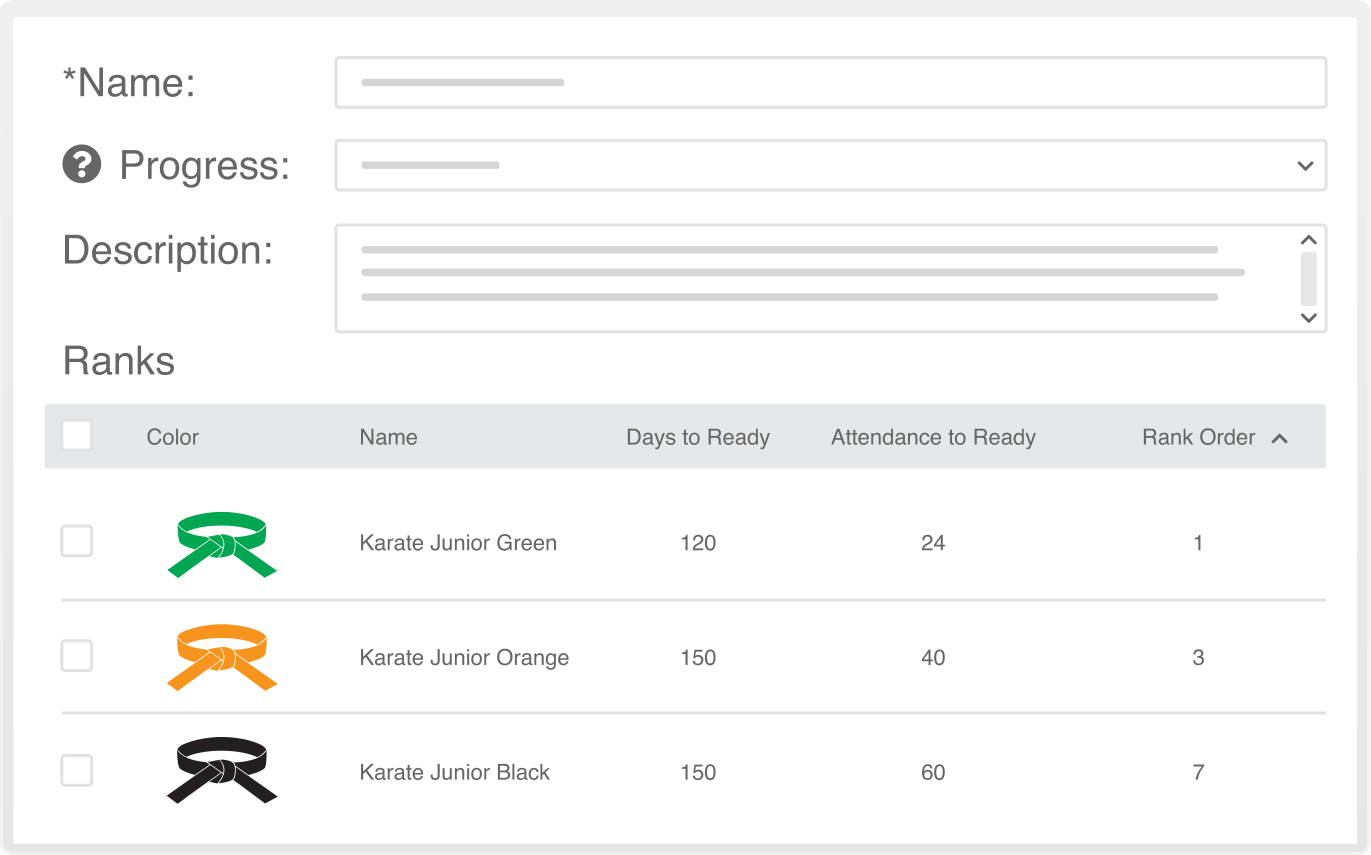
    • Multiple style rank management with separate progress reports for each style.
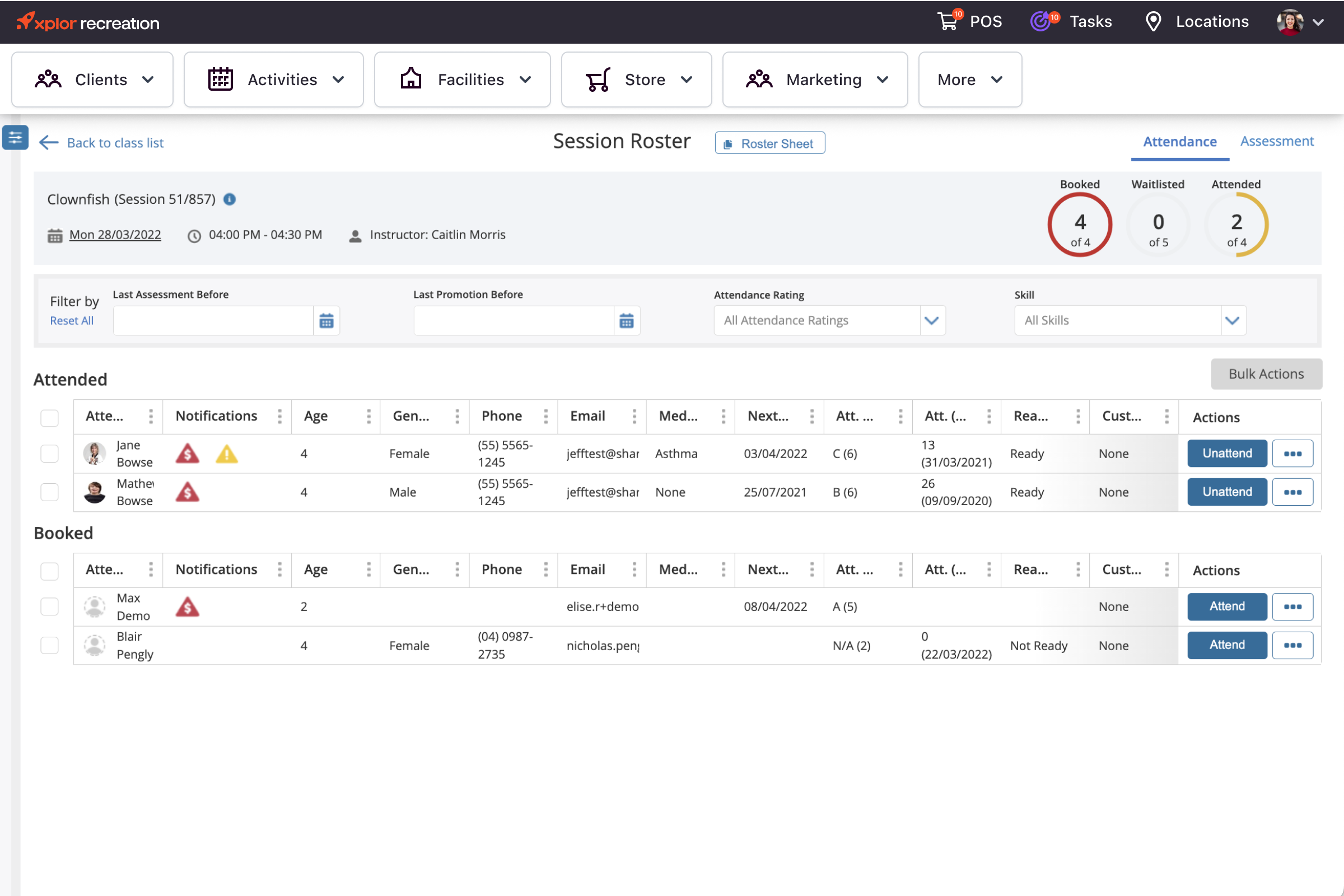
    • Class management with one click student assignment.
    • Stripe and rank award logs for both managing upcoming award dates as well as tracking historical award dates.
    • Store more than email addresses and phone numbers for your leads and students by adding in their Twitter address, Facebook page URL, and SMS address for communication from all angles.
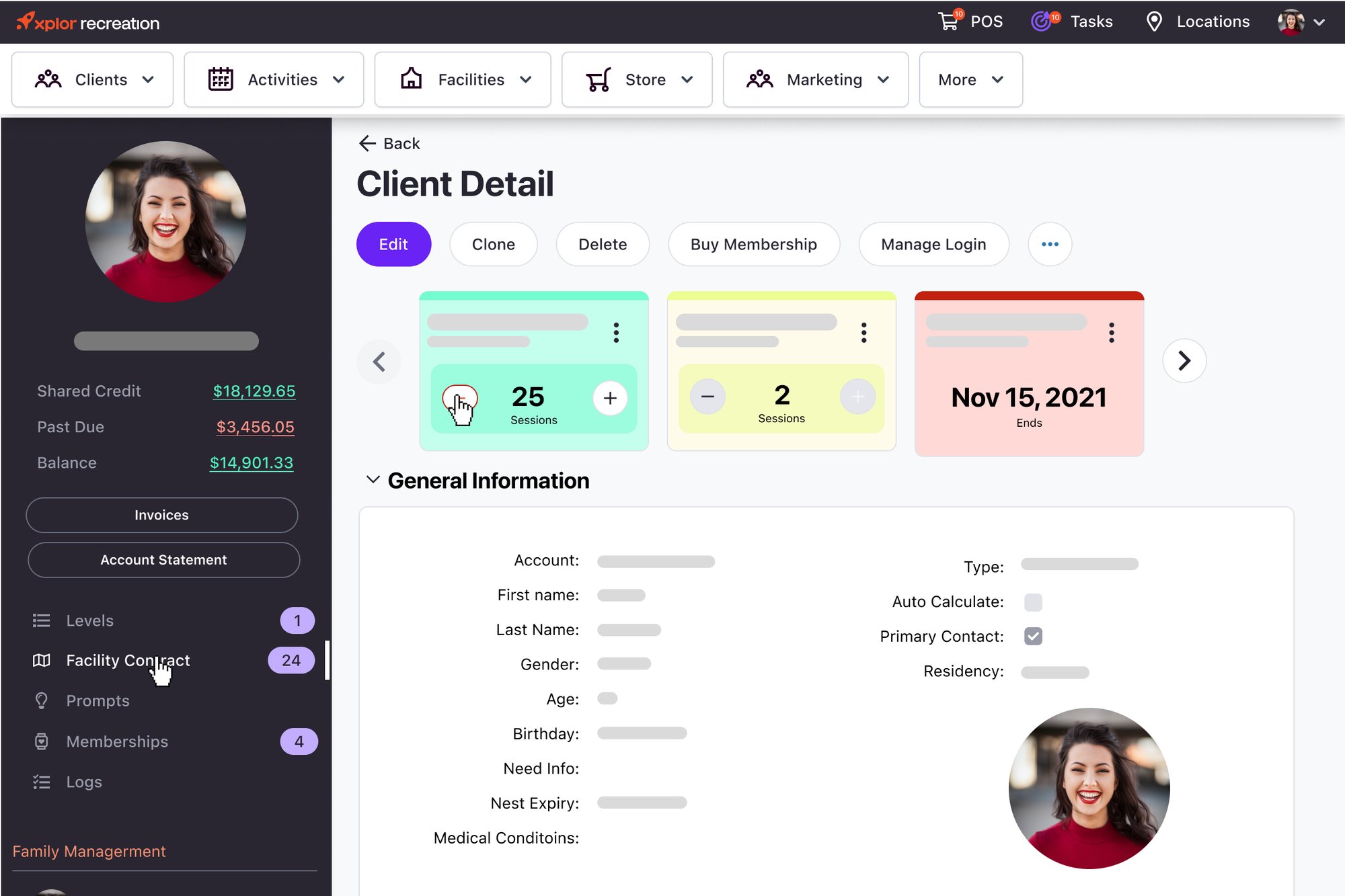
    • Create Family records, including storing separate contact records for each guardian, their role, who is paying for lessons, and the students training in the family.
    • Automated “ABC” attendance ratings that can be customized based on your programs.
    • Easy to view “last attended” dates visible on every student record for quick discussions or student phone calls.
    • Students can be attended for class using a scanner, keying in an ID number, clicking the “attend button” on a student record, or adding the student to the class with two clicks right from the planner itself.
    • Limit class access to only those who have the right membership, are the right age, or are the right level for each class, as well as setup open classes with no restrictions.

Manage Your School’s Entire Schedule:

    • New Planner manages intros, classes, exams, and custom designed events
    • Custom Events can be setup to have automated notifications to various participants, progress tracking on tasks related to the event, document attachments, and much more.
    • See class schedules for a single student, your entire school or a specific instructor from anywhere with an internet connection.
    • Automated notifications to instructors, general staff, students, or prospective students can be setup for any purpose such as missed classes, upcoming appointments, tasks, and much more.

Billing:

    • Setup your billing to be in-house, bill through Billing Direct with 14 cent EFT’s and 2.09% for Credit Card, or bill with any major full service billing company – this system can work in conjunction with all options.
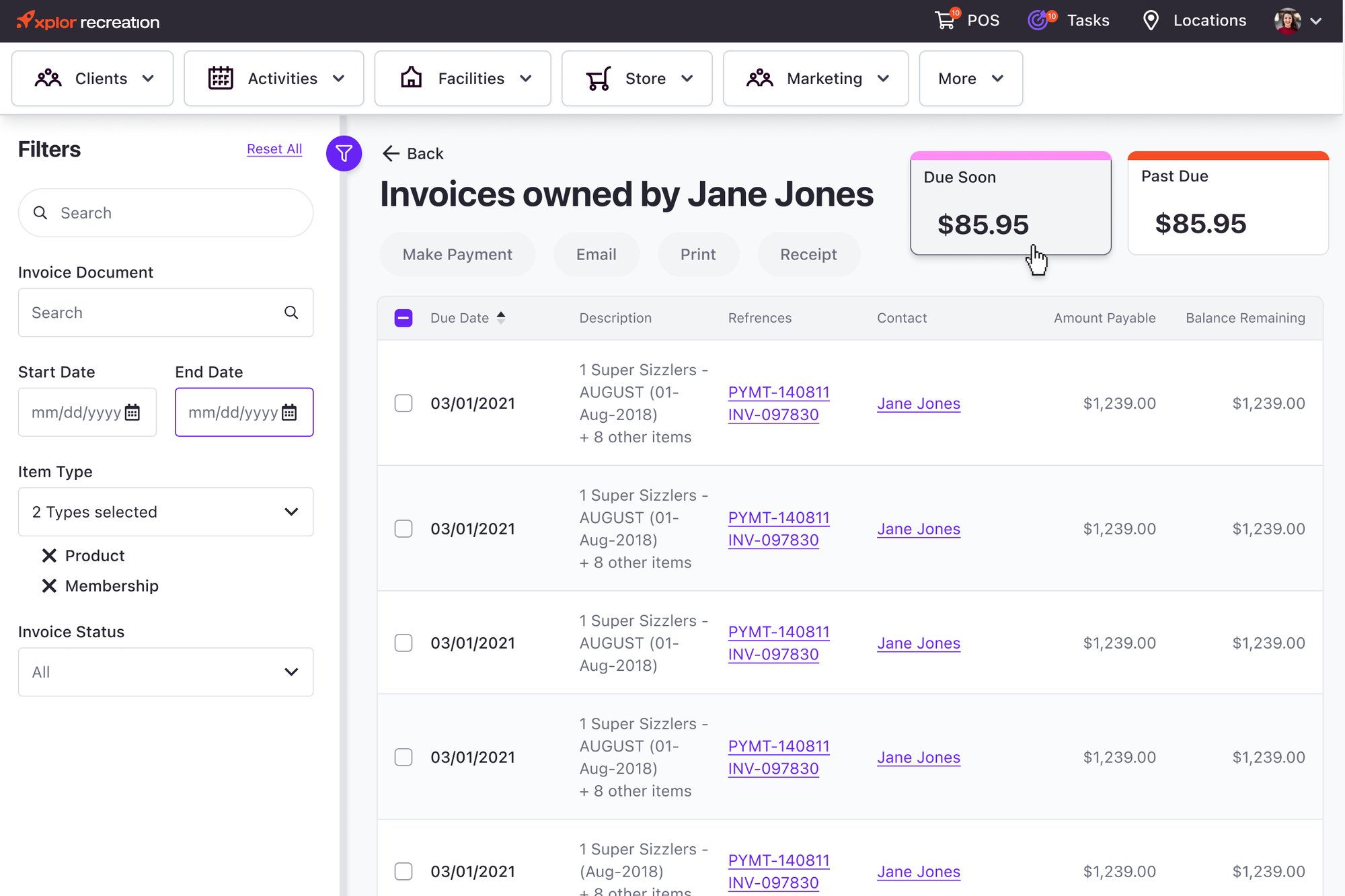
    • Invoice and billing dates and recurrence patterns can be setup to match any type of tuition collection model and any type of training program.
    • Easily adjust payment options for students, freeze/reschedule/increase/decrease with a few clicks at anytime.
    • Multiple payment methods can be stored for back up if one method fails
    • Missed payments are automatically retried to collect tuition when the first attempt fails
    • Automatic payment reminders are sent to students when retries fail, you decide on the intensity of each message based on how many days late the payment is.
    • Payment agreements can be setup for a single student or a group of students in a family
    • Partial payments can be taken with auto scheduling to pay the remaining portion of one tuition payment for when students fall behind without interrupting future payments.

Marketing & Communication:

    • All Marketing efforts can be tracked by cost, time spent, number of leads they generate, number of students they generate, and the total value of tuition earned from enrolments related to each marketing effort.
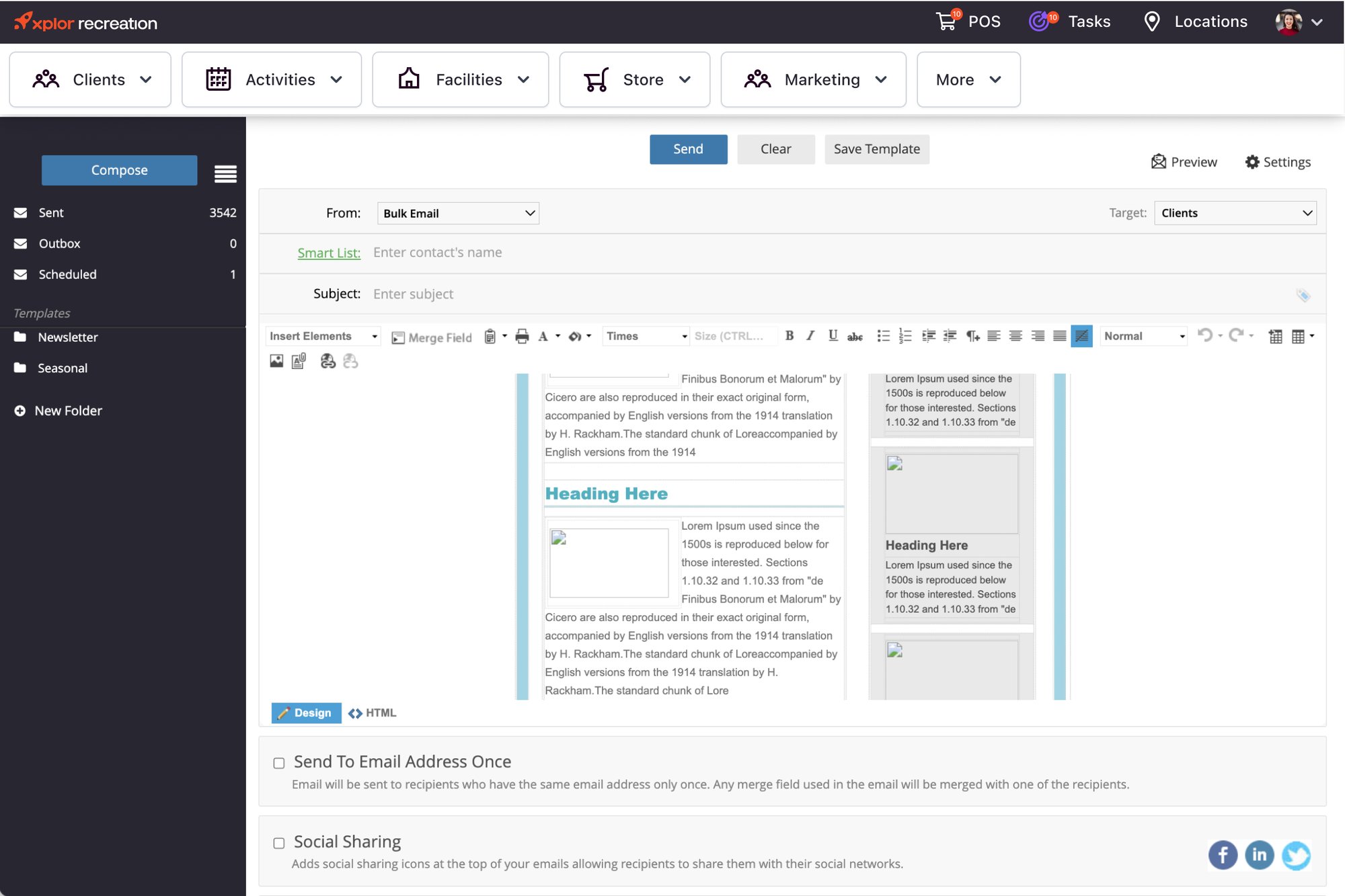
    • Automated emails can be setup to be sent as one-off’s or a series of emails to students or leads based on any need you have to communicate.
    • Renewal email series can be sent to students with strong attendance approaching their renewal date.
    • Quality Assurance and Feedback meeting request emails series can be sent to students with lower attendance approaching their renewal date.
    • Emails designed to remind and congratulate students before and after rank promotions, tournaments can be automatically scheduled.
    • Email series to encourage leads to book an intro class can be setup so that every time a new lead is entered without an intro booked, the series will commence and you can track if the lead is opening the emails or not.
    • Email series for leads who have already taken an intro class can be setup to ensure they have all their questions answered and are excited about starting their membership on their next visit to the school.
    • Store all email templates, ads, letters, and documents in the built-in library so everything you need is in available in one place from anywhere with an internet connection.
    • Put pre-written material in folders you can name for any purpose and share with staff to ensure the emails and letters they send have already been approved by you.

Leads & Enrolment:

    • Any type of website can be setup to have visitors converted into leads which are added to the lead list, marketing sources that generated their interest are tracked, you or your staff are emailed the lead’s info automatically, and a series of interest generating emails are scheduled for automatic delivery to the lead in case they are non-responsive to phone calls.
    • Easily see all previous conversations, emails, and interactions between staff and leads or between staff and students with the activity tab.
    • Convert leads into students right from the Leads app with one click and follow the enrolment wizard to make signup’s easy.
    • Use the opportunities app to see potential tuition and other revenue source potential as well as current performance.

Business Performance with Powerful Reporting:

    • Reports come equipped with high quality visuals that make it simple to see how every area of your school is performing
    • Use pre-made reports or create your own for any purpose, to be displayed in anyway. Display one report at a time, or create and name your own dashboards that can display up to 12 reports on one single page.
    • Add important reports to your home screen so they are always in front of you when you login and logout.
    • All reports premade or made by you are interactive so that if you want to change the criteria on the fly you can and view the new results instantly.
    • All reports display information you can click on to go right to a student record, payment record, instructor record and more right from the report without having to start a new tab and look up that record manually.

Pro-Shop:

    • Any kind of service or equipment including custom equipment packages you sell can be added to the Store app for pro-shop sales, inventory management, and accounting.
    • Know at all times what items sell the most and the least and carry only the stock that is popular.
    • Use the email app with the store app to setup personalized thank you emails to people who purchase specific products or services, or to setup emails to promote specifically to people who have not bought an item yet.
    • Sell inventory with a scanner, mouse or touch-screen, cash drawer, and receipt printer if you wish.
    • The item photos with mouse-over zoom feature makes it easy to double check you are selling the right item if you are not scanning its barcode.

Manage Your Staff:

    • Make the system easy to use by using the hidden feature to hide sections of the system your staff don’t need to use.
    • Setup each instructor or staff member’s permissions in the system to allow them access only to what they need.
    • Track the performance of all staff members specifically based on what you expect from them.
    • Create automated tasks that will be assigned to instructors, program directors, and front desk staff to ensure each day they are doing what is important.
    • Setup automated notifications you will receive when a task is still not complete when it should be.
    • Store employee contracts, special notes, contact information, and important review dates using the state of the art HR app you can download from the app store.
    • Setup a special home screen for each staff member to make it easy for them to focus on what is important each day.
    • Setup automatic emails to staff to remind them of upcoming appointments.
    • Know who sells the most pro-shop equipment, who enrols the most students, and more.